Portrait Retouch
Upload a portrait to preview an AI retouch.
Upload your image
JPG, PNG, WebP · Max 3 MB each
Upload info & privacy
Upload a portrait to adjust its appearance with AI. Compare the result with your original before downloading.
No sign-up required. Free use is limited to 5 requests per hour per IP address. Processing time varies with the tool, image, and queue; keep this page open.
Images are processed by RunningHub. Privacy policy.
Real example
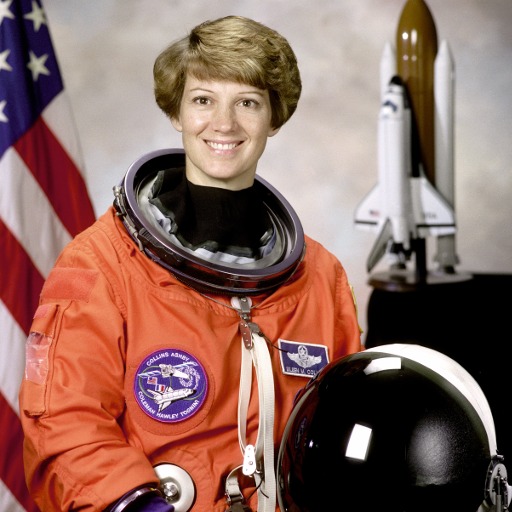
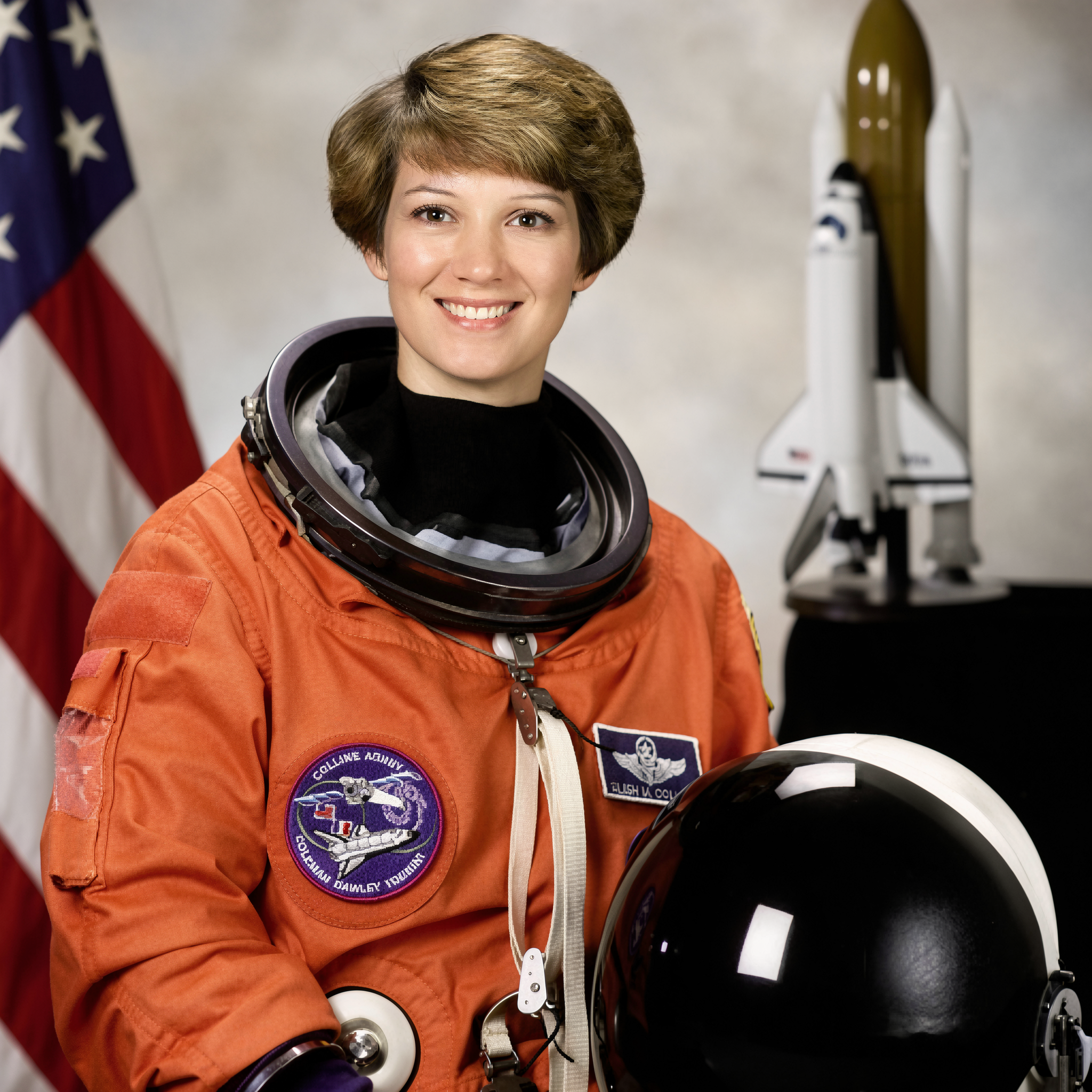
An actual AI portrait edit
The output comes from this portrait upload. AI can change fine facial features, texture, and clothing details.
 Download full-size image
 Download full-size image
Processed with PicMelo on October 23, 2026. Select an image to inspect the full-size file.
Source portrait: NASA, via scikit-image (public domain). This is an AI editing demonstration, not an endorsement by the person pictured.
Previews are compressed for faster loading. Open or download the full-size images to inspect the original files.
Start with good light
Retouching works best on a sharp portrait with soft, even lighting. Strong shadows, colored light, beauty filters, and heavy compression make it harder to produce a natural result. If possible, use an unfiltered original where eyes and skin texture remain visible.
Review the result responsibly
- Check that facial proportions and identifying features remain accurate.
- Look for overly smooth skin or repeated texture.
- Inspect hair edges, glasses, teeth, and jewelry.
- Keep the original when the photo is used professionally.
Retouched images should not be used to deceive others about identity, health, professional credentials, or material facts.
What a natural retouch should preserve
A natural portrait still shows the person’s real facial structure, expression, skin texture, and distinctive features. Temporary distractions such as uneven exposure or a small blemish may be softened, but permanent features should not disappear by accident. If a result changes eye shape, jawline, nose, age, or skin tone significantly, it has moved beyond routine retouching.
Match the edit to the purpose
A casual social portrait allows more creative freedom than a professional profile, staff directory, school photo, or documentary image. For professional use, subtle corrections generally age better and maintain trust. Avoid presenting a heavily altered image where viewers reasonably expect an accurate representation.
Review at multiple sizes
First inspect the face at full resolution to identify repeated texture, distorted eyelashes, unusual teeth, or broken glasses. Then view the entire portrait at the size it will actually appear. An edit that looks smooth when zoomed in may look flat and unnatural at normal size. Compare the original and result side by side, and take a short break before making a final choice.
Consent and respectful editing
Obtain permission before editing and publishing another person’s portrait. Be especially careful with images of children, clients, employees, and people who may not expect their appearance to be altered. Retouching should not be used to mock, misrepresent, or pressure someone about their appearance.
A practical review checklist
- The person remains immediately recognizable.
- Skin still has natural variation and texture.
- Eye color, teeth, glasses, jewelry, and hair are accurate.
- Lighting changes do not create a false impression of skin tone.
- The edit is appropriate for the context where it will appear.
Ask someone who knows the person to compare the original and result when accuracy matters. A second viewer often notices facial changes that the editor misses after looking at the image for too long.
When manual editing may be better
Use a conventional editor when only one specific area needs correction or when a client requires precise control. Manual tools are also preferable for documentary portraits, branded campaigns, and situations where every change must be repeatable and approved.
Frequently asked questions
Why can retouching look artificial?
Low-resolution inputs and aggressive processing can remove natural texture. Starting with a clear original generally gives a subtler result.
Is this suitable for official documents?
Check the document issuer’s rules. Many authorities limit or prohibit facial retouching.
Should I upload a filtered photo?
No. Filters remove or alter information before the retouch begins. An unfiltered original gives the model a better chance of producing a balanced result.
Can retouching fix poor lighting?
It can improve brightness and contrast, but strong shadows and clipped highlights may remain. Better source lighting usually produces a more natural portrait.